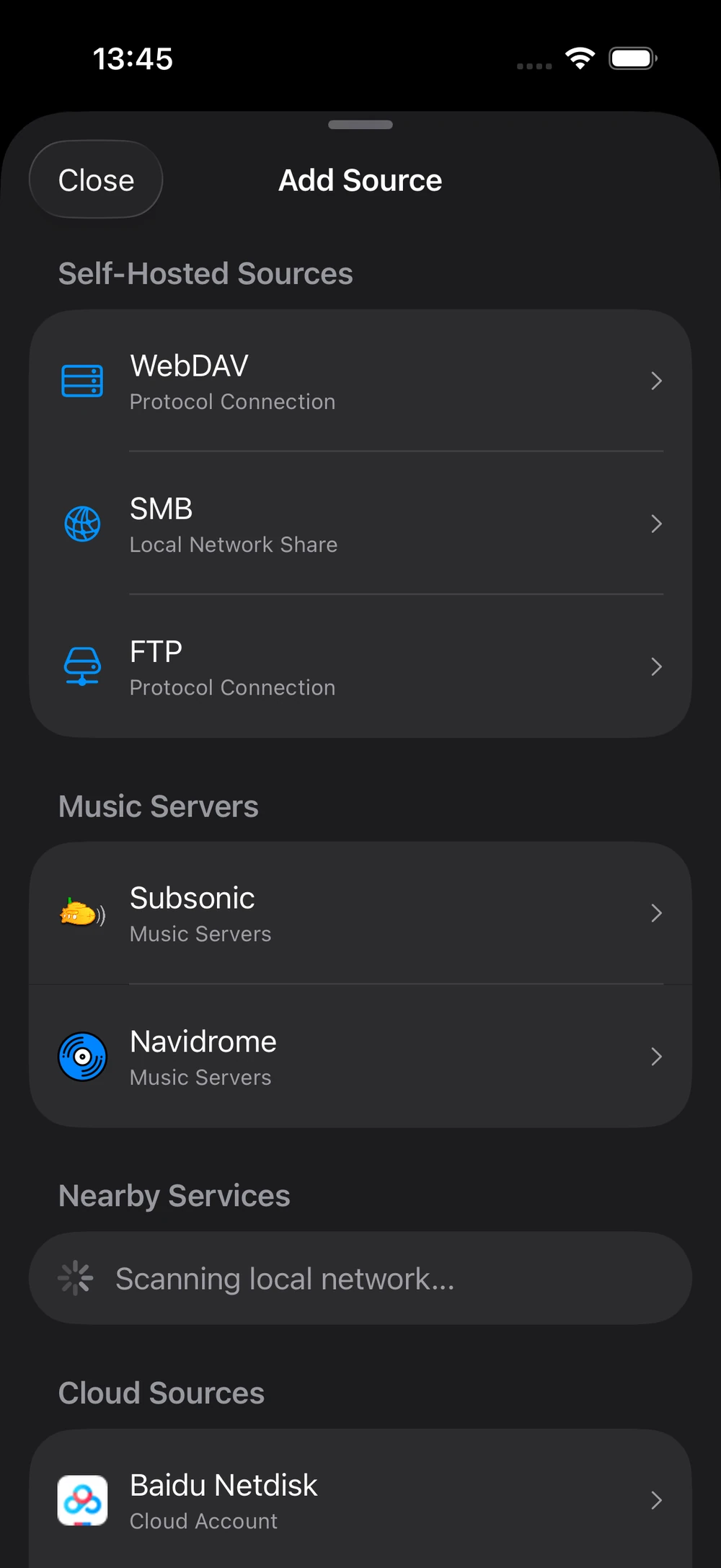
Multiple sources
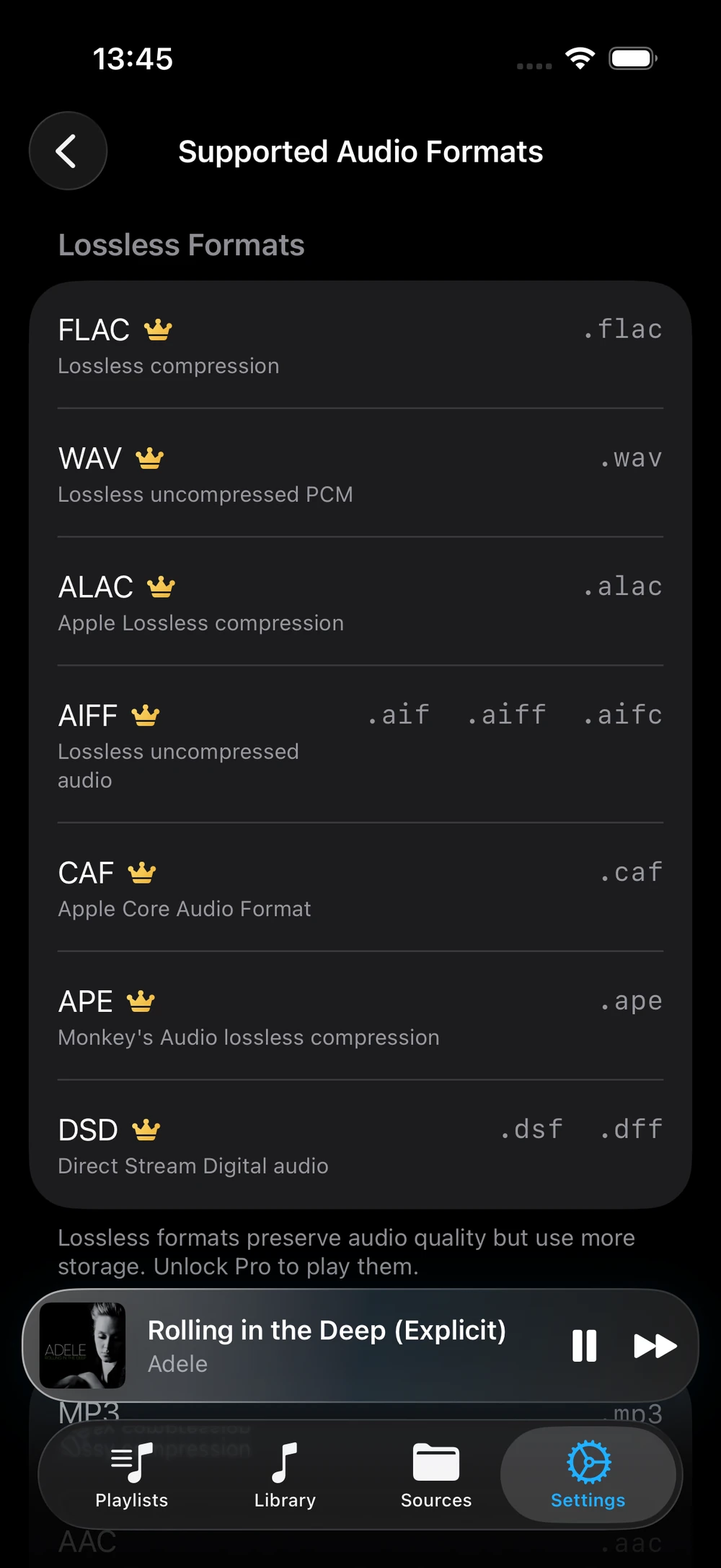
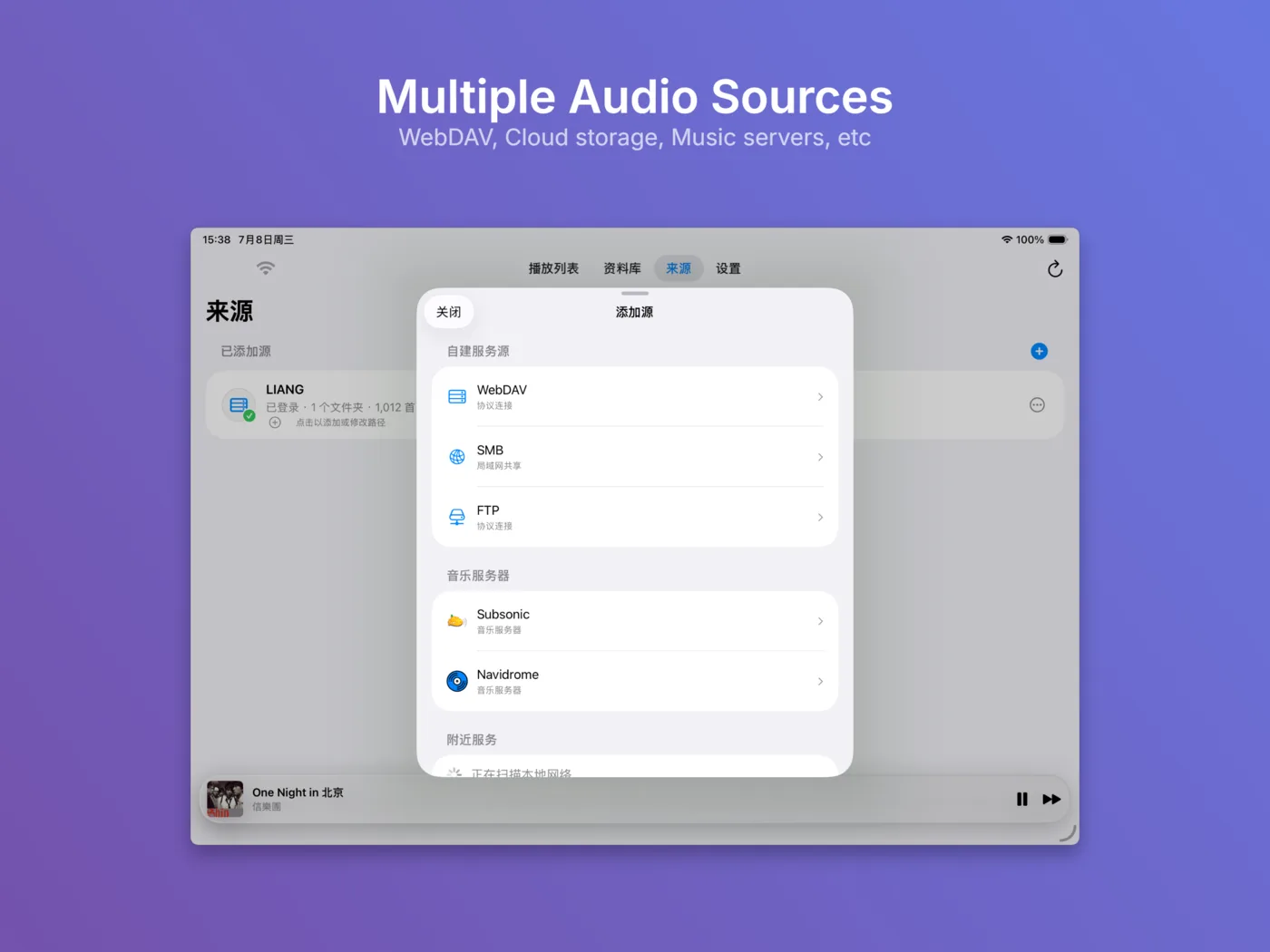
Add music files from Google Drive, Baidu Netdisk, WebDAV, SMB, FTP or a local Wi-Fi transfer folder.
iOS cloud music player
NetPlayer connects Google Drive, WebDAV, SMB, FTP and Wi-Fi transfer folders so you can browse, index, stream and cache your own audio files offline.
What it does
Add music files from Google Drive, Baidu Netdisk, WebDAV, SMB, FTP or a local Wi-Fi transfer folder.
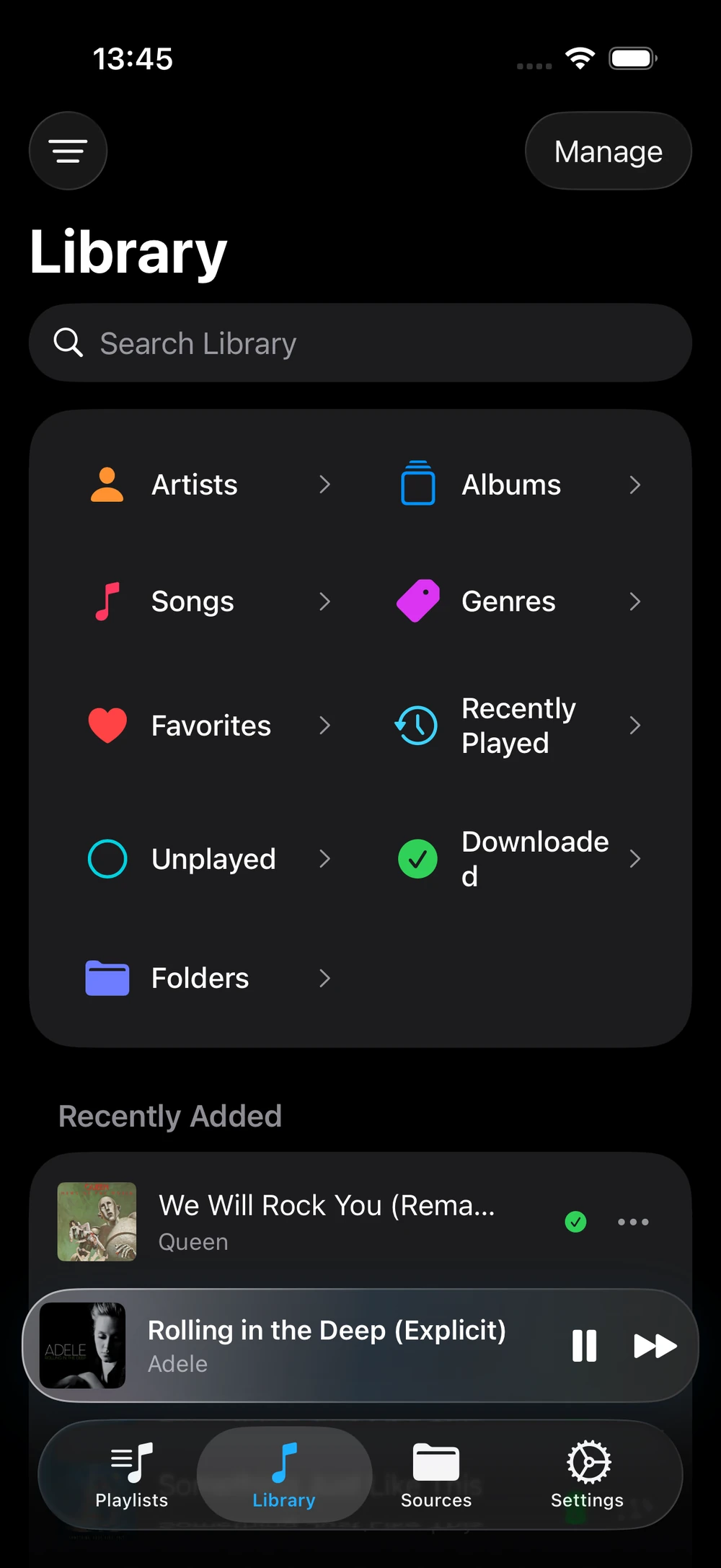
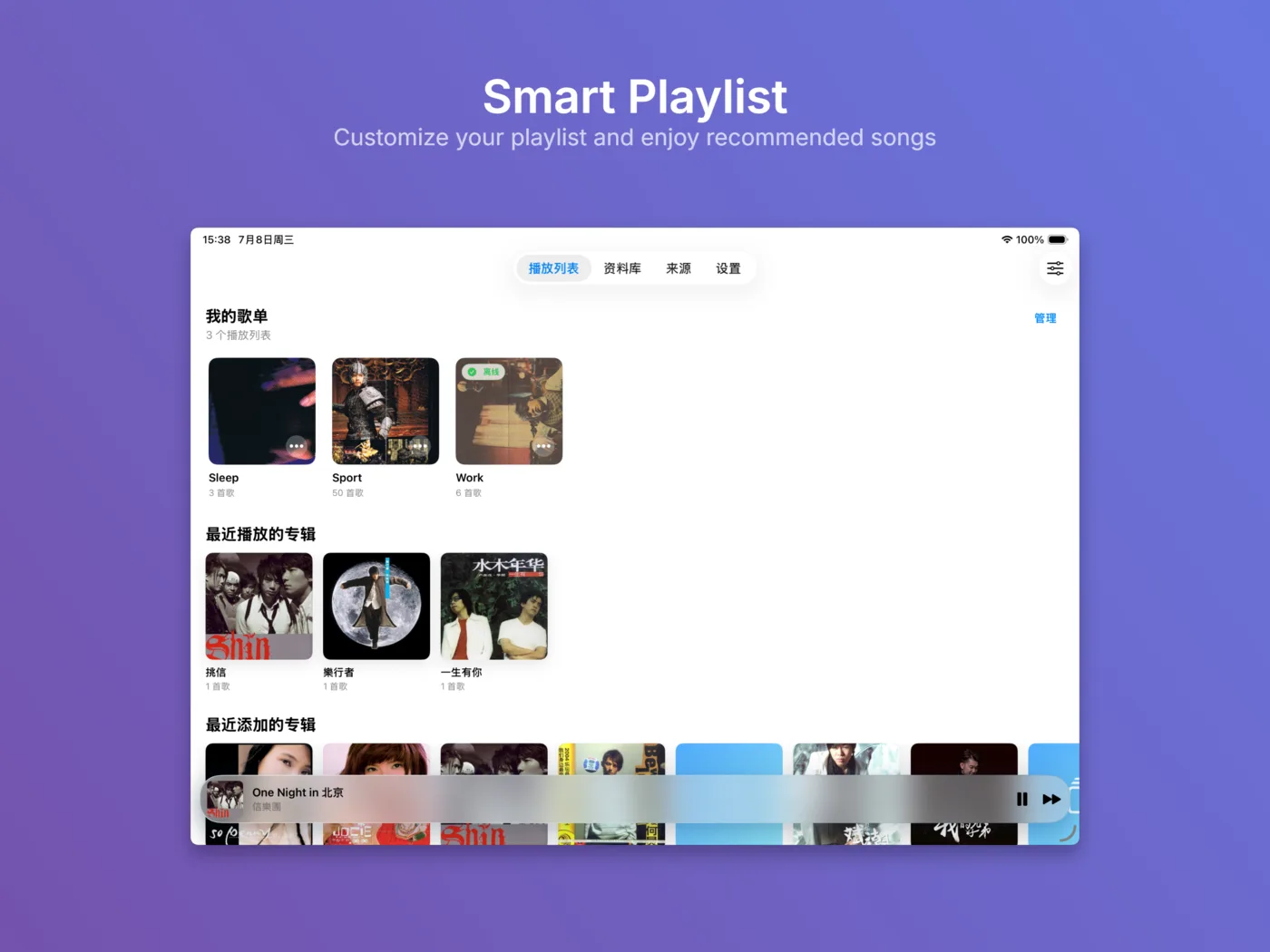
Organize music by songs, albums, artists, genres, favorites, recently added items and download status.
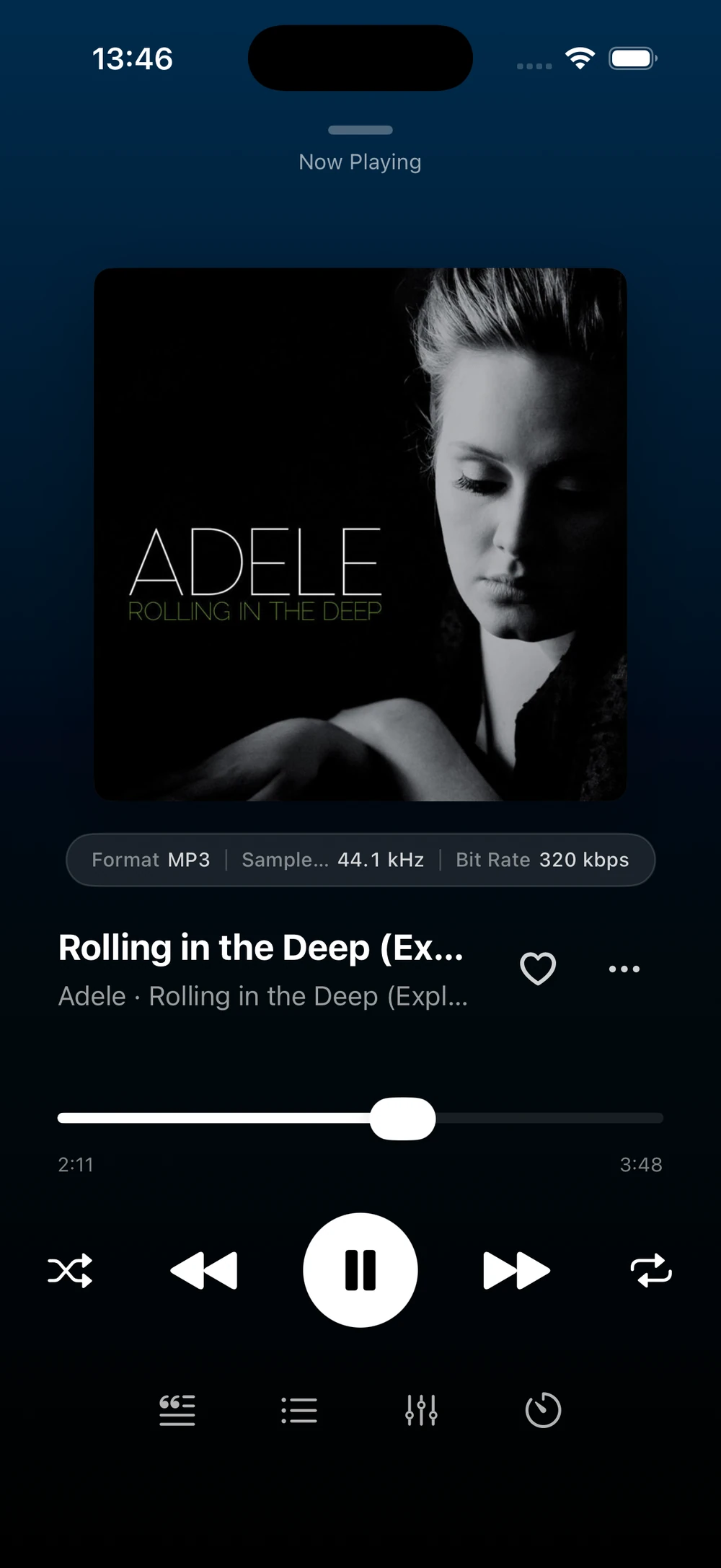
Read audio on demand or cache selected tracks on your device so playback continues without a network.
Account tokens, library indexes, cached files and playback history stay on your device. NetPlayer does not run a relay server.
Google OAuth disclosure
NetPlayer requests the basic sign-in scopes openid, profile and email. The app uses these permissions to show your account information in the app.
Signing out removes locally stored Google OAuth credentials from the app.